Products
About us Contact  
HOME
Products
Protocols
References
Hardware
Partners

ipConvLite

inexpensive protocol converter for standardized application
start price 2.500,-€

RIGHTipConvLite Use Cases
DOWNConfiguration
DOWNDiagnostics
DOWNLogging
DOWNSimulation
DOWNImplemented Protocol Stacks
DOWNHardware

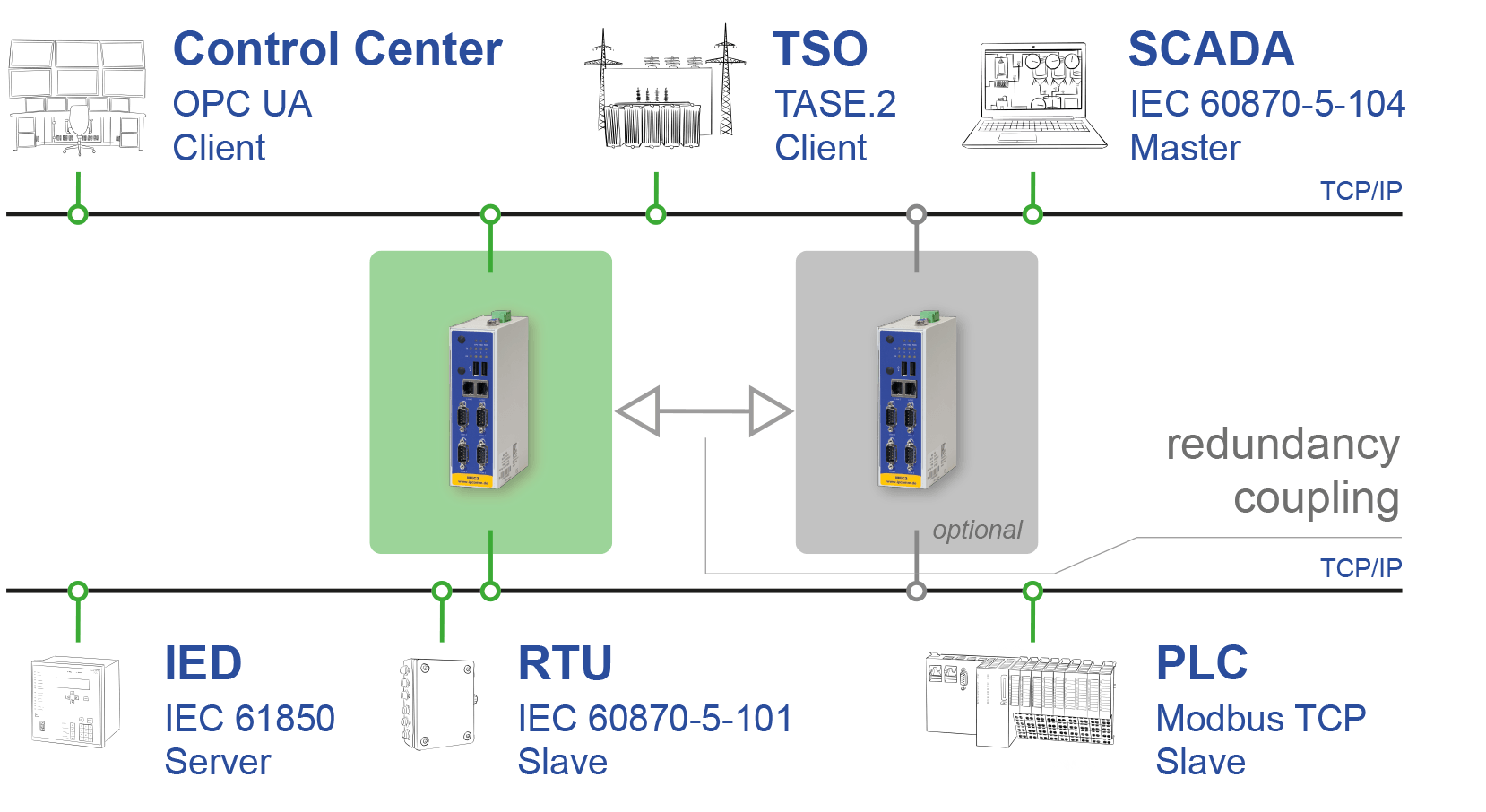
ipConvLite is a universal protocol converter designed for the conversion of standard protocols. Based on ipConv, ipConvLite basically offers the same functionalities. Compared with ipConv, its function range is limited to established standard protocols, thus allowing a lower price.

ipConvLite is also available as a package with the HEC and IPC191V3 19" 1HU hardware platforms.

We offer a complete solution covering software, hardware and services:

  • system configuration as required by the customer
  • hotline and email support.

Configuration

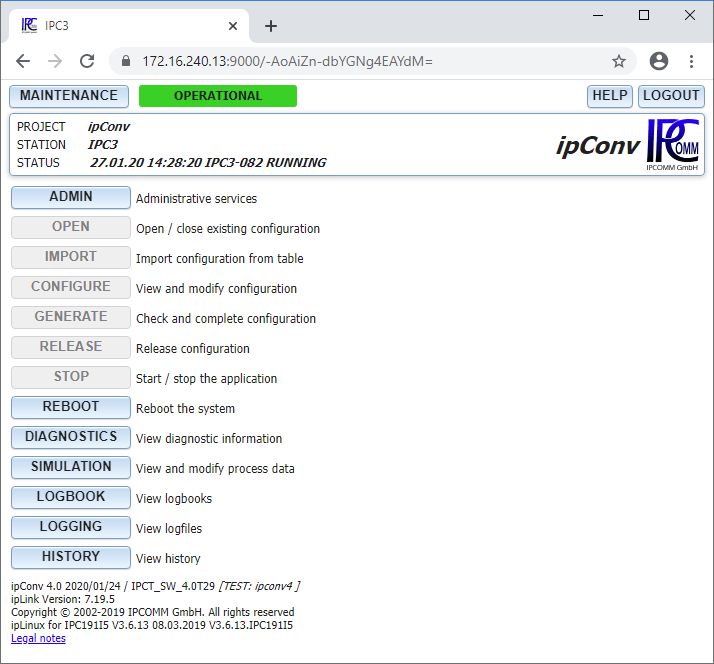
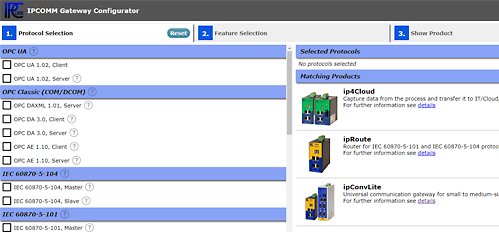
System configuration is completely executed in a web browser. No other special configuration tools are required, a normal notebook with a network interface card and web browser are all that is needed.

The first page provides access to all relevant functions of ipConv, showing the overall system status at a glance:
  • Backup and restore the complete configuration
  • Software upgrade
  • Edit configuration parameters
  • Import configuration information from tables
  • Start up and stop the system
  • Access diagnostic data (see also diagnostics)
  • Access process image and data simulation (see also simulation)
  • Access current logfiles (see also logging)
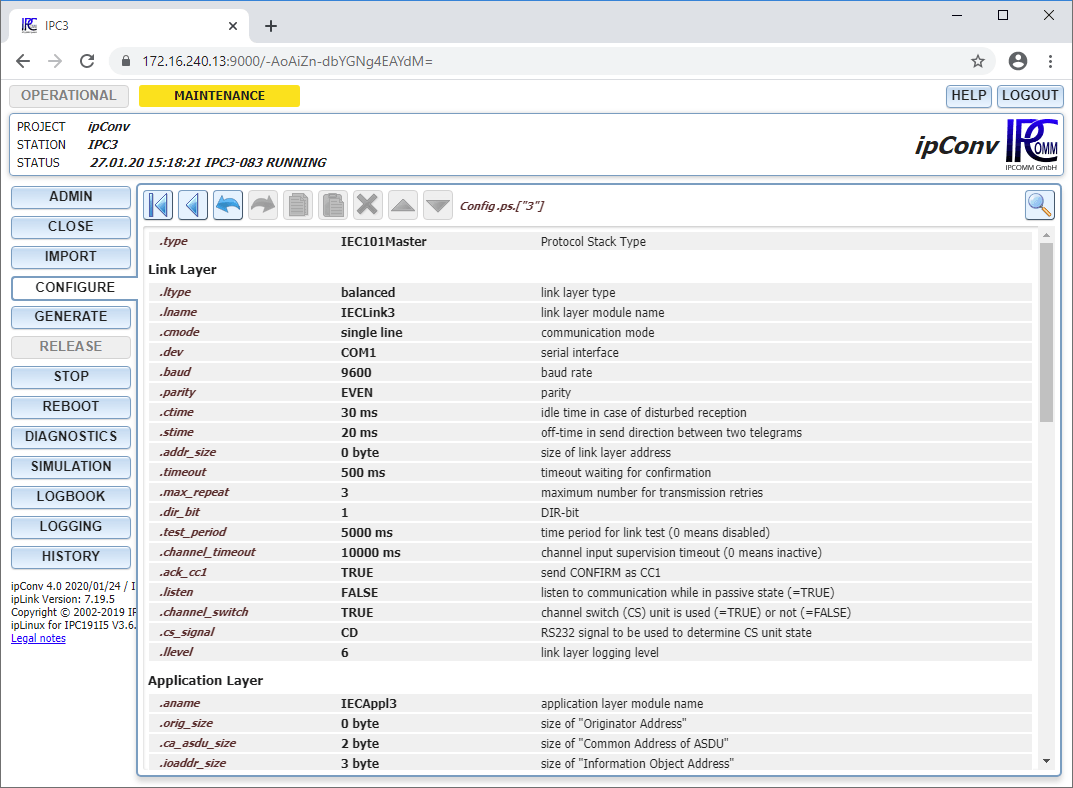
This is an example configuration of a protocol stack (here   IEC 60870-5-101, Master). All parameters are shown with their configured values, relevant measurement units and short descriptions.

A parameter value can be changed by clicking on the parameter name. A detailed description, if relevant, also pops up. The entered value is checked if it falls in the permissible value range or a drop down list offers a pre-selection of permissible values.

Only relevant parameters are displayed, for instance if the link layer type is set to "unbalanced", only the corresponding parameters are shown.

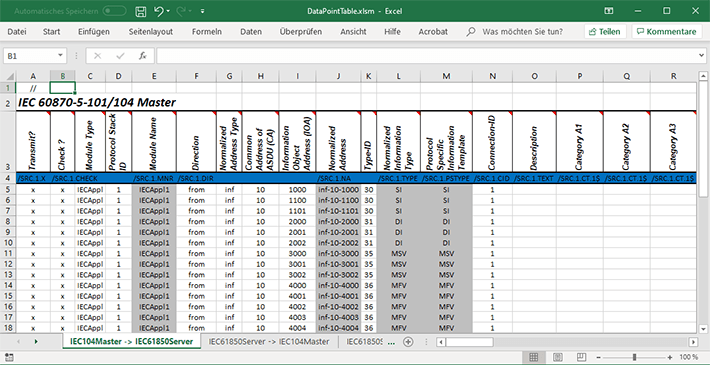
ipConv enables fast and efficient processing of great volumes of data points by allowing data import  from tables. These tables are based on templates and may be processed with various spreadsheet programs such as Microsoft Excel. The extended use of formulae minimizes the data volume, substantially reducing the number of errors..

Diagnostics

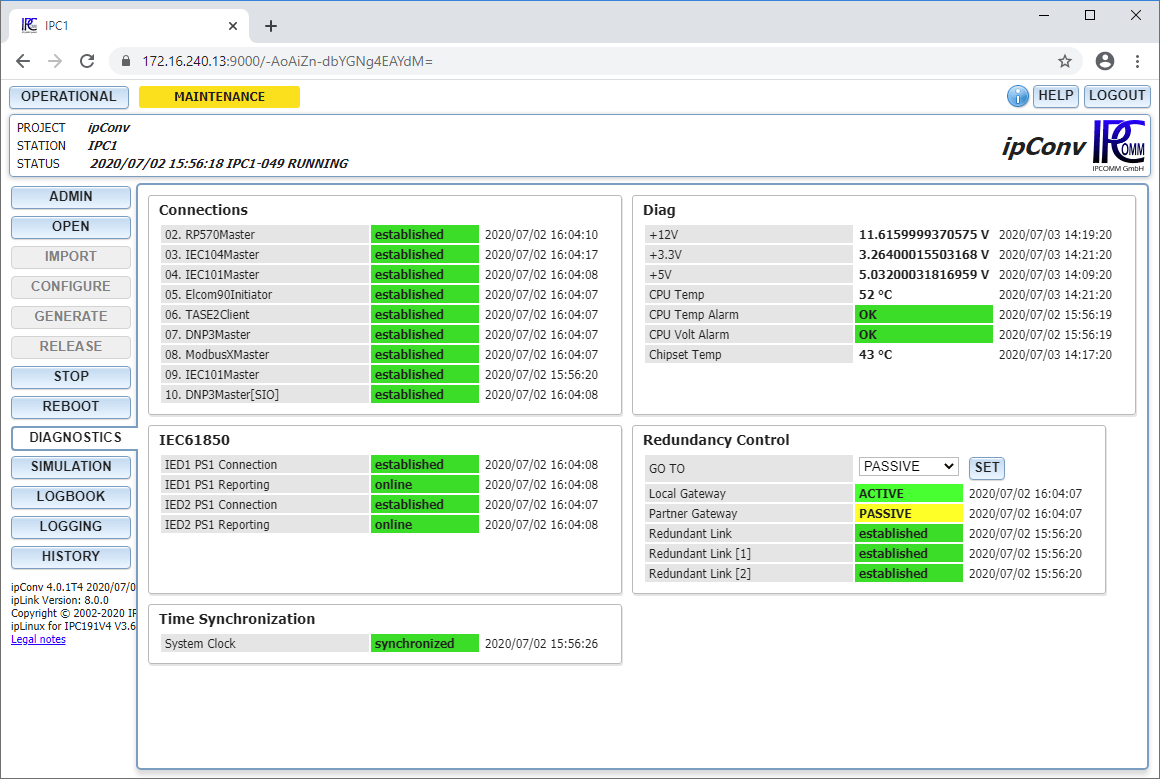
With protocol converters it is essential that the state of all interfaces can be determined at a glance. This is all the more important, if the available personnel at the facility does not have particular knowledge of the device.

The diagnostic data can be accessed with the "Diagnostics" button on the first page. The most important information is given in plain text with the time in an easy to read way. Colored highlights indicate an ok / not ok state.

You can configure the type of information, descriptions and colors.

Plain messages, measured values, and also control commands such as a button for initiating a general poll can be shown.


Logging

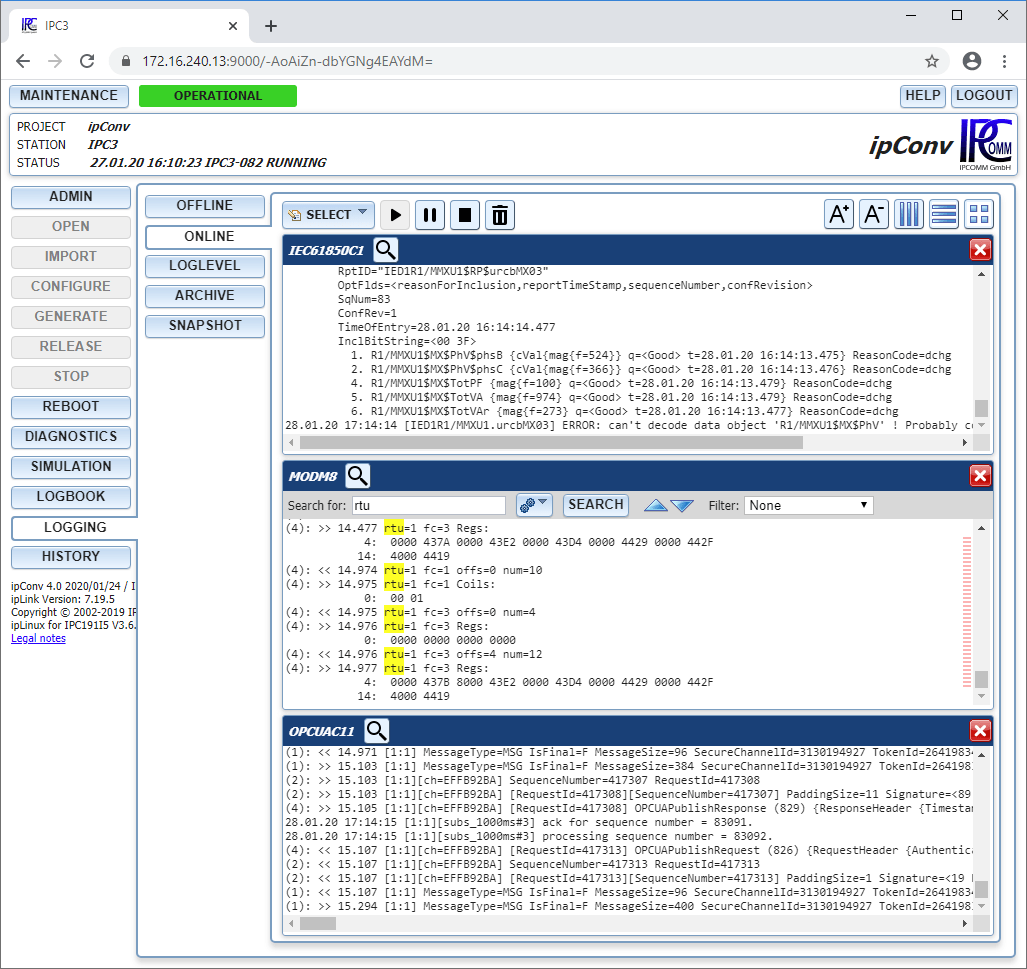
With all communication applications, it is always essential to know which data are transmitted via the protocol and how the data is converted from one protocol to another. And it is even more important when problems occur with transmission. ipConv features logging and archiving functions for all data traffic.

ipConv allows you to keep track of the system state and information flow inside the converter by recording and archiving all information passing through a module for a given time period. This data can be recorded:
  • All data to/from ipConv sent and received via the relevant communication module
  • System messages, i.e. connection break-off, communication error messages etc.
  • Configuration and software error messages

The range of data recorded is defined by the logging level. This can be changed dynamically (at runtime) or statically (in the configuration) for each module.


The logging level defines the representation format for the sent or received information. Data can be represented either in hexadecimal code or in decoded, symbolic form or both. This example shows the content of a logfile generated from an IEC 60870-5-101, Slave protocol stack.

Data is stored directly in the easy to read ASCII format. Logfiles can be downloaded via a web interface for offline diagnosis. Or you can keep track of the communication online via the TCP/IP "telnet" service.

All recorded data is archived cyclically, enabling you to keep track of communication over a period of days or even weeks (depending on the data volume).

19.01.99 10:24:01 IECAppl CA=286 connected !
(2): << M_EI_NA_1 SQ=0 NUM=1 T=0 P/N=0 CT=<init> CA=<286>
0: COI=<00> 
(2): >> C_IC_NA_1 SQ=0 NUM=1 T=0 P/N=0 CT=<act> CA=<65535
0: QOI=<14> 
(2): << C_IC_NA_1 SQ=0 NUM=1 T=0 P/N=0 CT=<actcon> CA=<28
0: QOI=<14> 
(2): << M_SP_NA_1 SQ=0 NUM=61 T=0 P/N=0 CT=<inrogen> CA=<
131584: SIQ=<OFF Q=<>> 
459272: SIQ=<OFF Q=<>> 
459273: SIQ=<OFF Q=<>> 
(2): << M_SP_NA_1 SQ=0 NUM=61 T=0 P/N=0 CT=<inrogen> CA=<
524800: SIQ=<OFF Q=<>> 
852489: SIQ=<OFF Q=<>> 
(2): << M_SP_NA_1 SQ=0 NUM=61 T=0 P/N=0 CT=<inrogen> CA=<
3015175: SIQ=<OFF Q=<>> 
3473923: SIQ=<OFF Q=<IV >> 
(2): << M_DP_NA_1 SQ=0 NUM=20 T=0 P/N=0 CT=<inrogen> CA=<
3014916: DIQ=<DIST Q=<>> 
3539200: DIQ=<DIST Q=<IV >> 
3539204: DIQ=<DIST Q=<IV >> 
(2): << M_ME_NB_1 SQ=0 NUM=39 T=0 P/N=0 CT=<inrogen> CA=<
131840: SVA=<0> QDS=<Q=<>> 
918784: SVA=<0> QDS=<Q=<>> 
983808: SVA=<0> QDS=<Q=<>> 
(2): << C_IC_NA_1 SQ=0 NUM=1 T=0 P/N=0 CT=<actterm> CA=<2
0: QOI=<14> 
(2): << M_SP_TA_1 SQ=0 NUM=1 T=0 P/N=0 CT=<spon> CA=<286>
1049088: SIQ=<ON Q=<>> BT3=<IV> 

Simulation

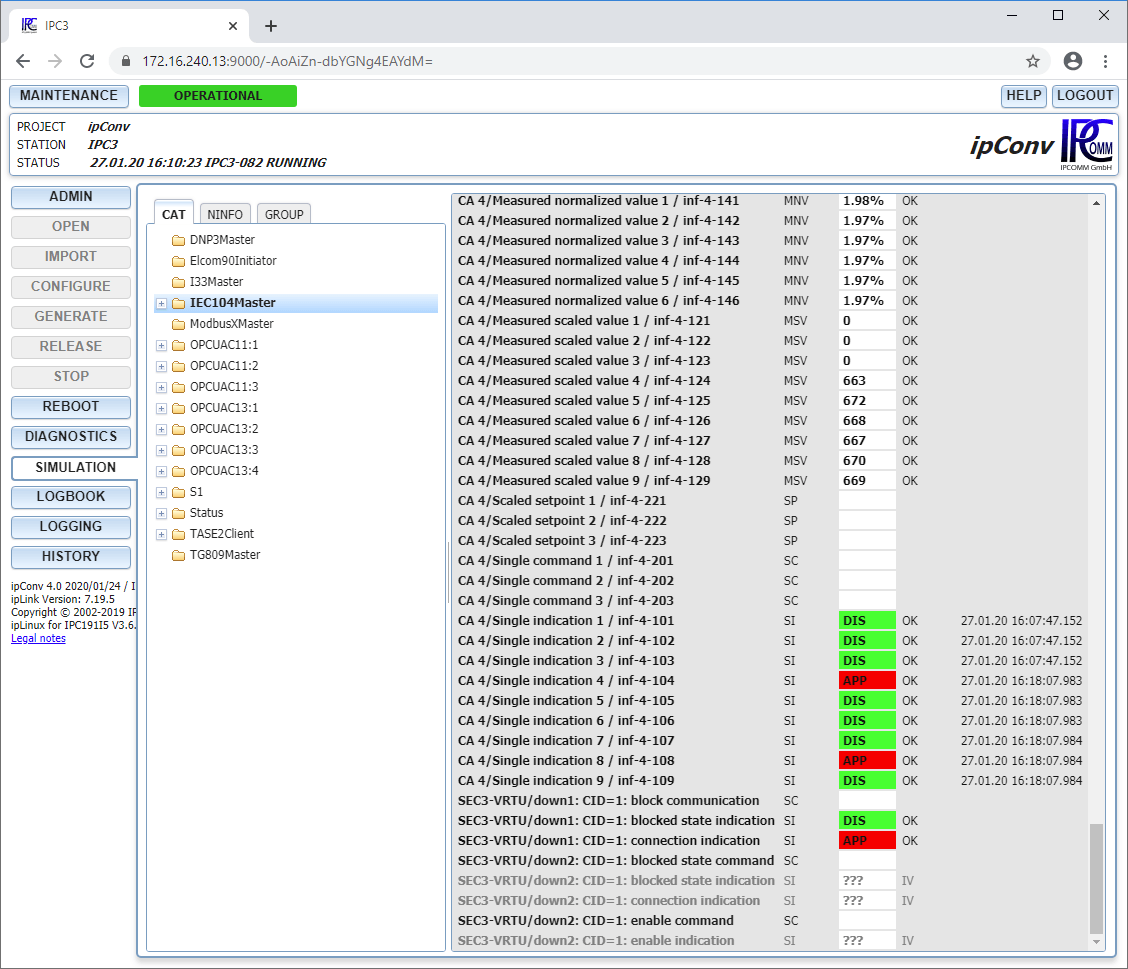
 ipConv is capable of representing and simulating all signals in a simple project-specific form, a functionality which is particularly useful for signal tests during commissioning. This greatly facilitates tracking down of wiring and configuration errors.

All data points can be shown in a hierarchical form defined by the configuration. Names, nesting depth and signal range can be freely chosen and configured for each project. This enables personnel not familiar with ipConv and the relevant protocol to access information.

The signal name, information type, value, quality identifier and time stamp (if available) are shown.

At the same time, data and commands can be simulated directly in the web browser. This functionality is very useful, if only one communication partner is connected (control station or RTU). Pretests can thus eliminate most configuration errors, even if the complete communication path is not available.
 

A command-oriented interactive tool enables users to access all information pertaining to protocol-specific addressing. This expert access mode is always possible and requires no explicit configuring.
 

Implemented Protocol Stacks

DNP V3.00, MasterDNP V3.00, Slave
HN Z 66 S 11/15, T63, MasterHN Z 66 S 11/15, T63, Slave
HITACHI HC4300, MasterHITACHI HC4300, Slave
Harris-5000/6000, SlaveIndactic 33/41, 2033, Slave
IEC 60870-5-101, Dialup MasterIEC 60870-5-101, Master
IEC 60870-5-101, SlaveIEC 60870-5-103, Master
IEC 60870-5-103, SlaveIEC 60870-5-104, Master
IEC 60870-5-104, SlaveModbus, Master
Modbus, SlaveModbus TCP/IP, Master
Modbus TCP/IP, SlaveOPC DAXML 1.01 Server
SEAB 1F, MasterSEAB 1F, Slave
SNMP, ClientSinaut ST1, Slave
Telegyr 809, Slave

Hardware

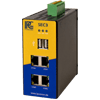
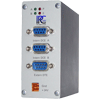
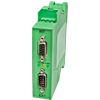
HECHECCompact controller mountable on a DIN-rail specially suited for decentral applications
Details...
hardware/HEC2/en/HEC_manual_K_3_2_EN.pdf
TCTTCTTelecontrol converter for pulse-code and pulse-length modulated protocols
Details...
hardware/FWU/en/fwu_manual_3_2_EN.pdf
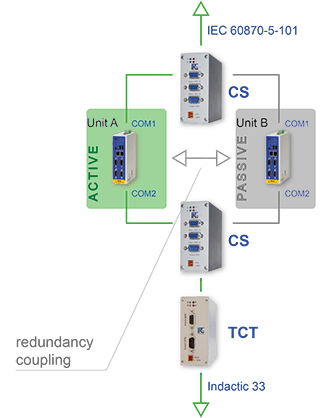
CSCSChannel switch for coupling of two redundant devices to one communication line
Details...
hardware/CS/en/cs_Manual_2_1_EN.pdf
© 2004-2008 IPCOMM GmbH
Google